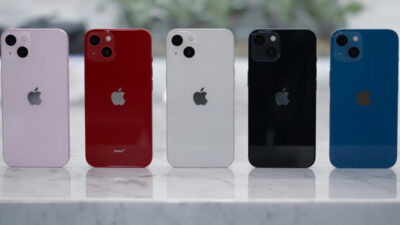

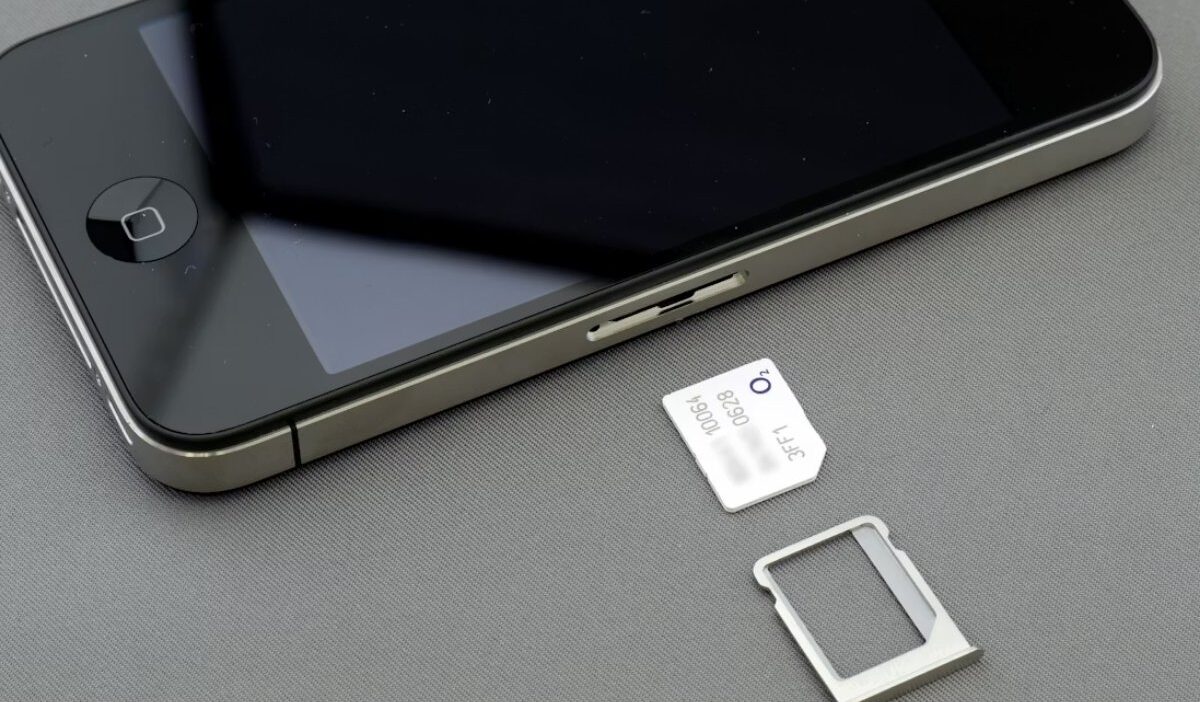
A SIM Free iPhone lets you use any compatible carrier without restrictions, making it ideal for flexible communication and travel. However, government programs like Lifeline do not typically provide a true SIM Free device. In some cases, its authorized provider might do.
This guide explains how to access these offers legally, what you can realistically receive, and how to apply safely through approved providers.
What is a SIM-Free iPhone?
Before applying for any program, it is important to understand how a SIM Free iPhone works and why it is different from other devices.
SIM-Free vs Unlocked iPhone
A SIM Free iPhone is ân iPhone that never tied to a carrier, so it works with any compatible network immediately. An unlocked iPhone may have been restricted before being released by a provider.
Both options allow flexibility, but a SIM Free iPhone offers a cleaner setup without prior network limitations. This makes switching carriers or traveling internationally easier and more reliable.
Why SIM-Free iPhones Are More Flexible
A SIM Free iPhone gives users maximum freedom because it is not tied to any carrier contract. This means you can:
- Switch networks instantly
- Use international SIMs
- Take advantage of different mobile plans without restrictions
It is especially useful for frequent travelers and users who want full control over their connectivity.
However, when compared with applying for a SIM free iPhone from a provider of Lifeline, the experience is different.
Users typically receive a phone bundled with a SIM plan or a SIM-only option from the providers, which helps reduce costs but may limit immediate carrier switching compared to a SIM Free iPhone.
Still, Lifeline offers an important advantage for eligible users. It makes mobile access possible at little to no cost, helping people stay connected for work, education, and daily communication.
While it does not fully match the freedom of a SIM Free iPhone, it provides a practical alternative for those who prioritize affordability over device flexibility.
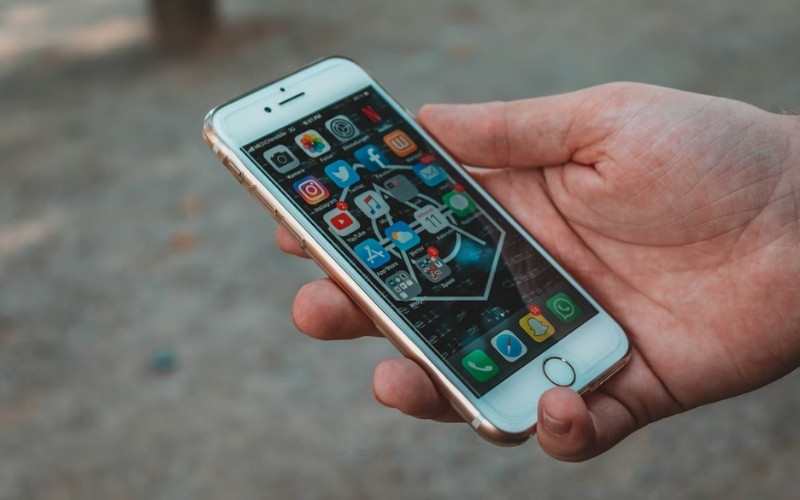
Government Programs That Offer Free or Discounted iPhones
Some users look for a SIM Free iPhone through offers from providers of government programs, but it is important to understand how these offers actually work.
How Lifeline works
Lifeline is a government assistance program that helps eligible households access essential communication services. The program mainly subsidizes service costs rather than devices.
In practice, most providers offer two options: a phone bundled with a SIM plan or a SIM-only plan for users who already have a device.
The service is a non-transferable Lifeline service, which ensures that benefits are used by the approved applicants. Device availability depends on the provider’s inventory and current program support.
Who Qualifies for Lifeline
Only eligible consumers may enroll in Lifeline service based on:
- Income-based: Household income must be at or below 135% of the Federal Poverty Level.
- Program-based: Individuals currently enrolled in qualifying assistance programs, such as SNAP, Medicaid, SSI, FPHA, Veterans Pension and Survivors Benefit, and Tribal Benefits (Native American support)
The service is limited to one discount per household, and applicants must provide valid documentation such as identification and proof of eligibility.
>>> Read more: T-Mobile Student Discount: What Students Really Get and How to Save
How to Apply for a Free Government iPhone
Applying correctly helps you access supported devices while understanding the limitations of the program.
How to Apply Safely Online
You should apply only through Lifeline-verified providers to ensure your information is secure and your application meets federal requirements. Official providers connect directly with Lifeline systems, which helps prevent delays or rejection.
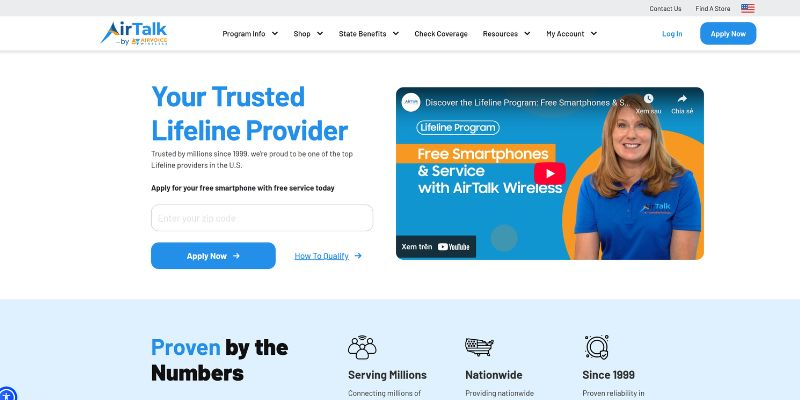
For example, AirTalk Wireless is an Eligible Telecommunications Carrier (“ETC”), meaning it is authorized to provide Lifeline-supported services. Applying through its official website is a safe and efficient way to access available device options.
Eligible users may receive an iPhone as part of their service plan, with the SIM and connection already configured. This means there’s no need to purchase a separate SIM or figure out compatibility; everything works out of the box.
Step-by-step online application via AirTalk Wireless
Here are the steps on AirTalk Wireless, clearly guided to help applicants move from eligibility check to approval smoothly.
- Step 1: Visit the provider website and enter your ZIP code to check eligibility
- Step 2: Choose your plan and review available devices in your state
- Step 3: Upload the required documents and submit your application
- Step 4: Wait for approval and receive your device once your application is confirmed
iPhone Deals That You May Get
Devices available through Lifeline-supported providers depend on inventory, eligibility, and state availability.
Here are some commonly available models at AirTalk Wireless that users may receive depending on current stock:
- iPhone 7/ 7 Plus: Reliable for basic communication and essential apps
- iPhone 8/ 8 Plus: Improved performance and better camera features
- iPhone XR: Larger display and strong battery life
- iPhone 11: Balanced performance for daily use and multitasking
While users often search for iPhone deals SIM Free, as well as specific models like iPhone 11 SIM Free, iPhone 12 SIM Free, or iPhone 14 Pro Max SIM Free, it is important to understand that these terms reflect search intent rather than guaranteed program offerings.
Lifeline-supported devices are typically provided by ETCs with an active SIM plan or SIM connection to ensure immediate usability after approval, rather than being distributed as fully unlocked SIM Free iPhone products.
Maximize Your iPhone Flexibility
Even though Lifeline-supported devices are usually provided as a phone with a bundled SIM plan or a SIM-only option, users can still optimize how they use their device within these limits. Modern iPhones support features that help improve day-to-day usability and connectivity.
To get the most value from your device, you can focus on practical settings and usage habits:
- Set up dual SIM or eSIM (if supported): Manage personal and essential communication on one device
- Use the provided SIM service effectively: The connection is designed to ensure stable access for calls, messaging, and data.
- Leverage WiFi when available: Helps reduce mobile data usage and maintain stable connectivity.
- Monitor data usage regularly: Avoid interruptions by tracking consumption in device settings.
These options help users stay connected for work, study, and daily communication within the structure of Lifeline-supported services. While it does not offer full carrier freedom like a SIM Free iPhone, it still ensures reliable and affordable access to mobile connectivity.
FAQs about SIM-Free iPhone
Below are common questions users ask about SIM Free iPhone devices and how they actually work in real government-supported programs.
1. Can I use a SIM Free iPhone with any carrier in the U.S. or internationally?
Yes, but only if the device is fully unlocked. In most Lifeline-supported cases, devices or SIM services are tied to approved providers, so full carrier freedom is not always available.
2. Do I need to activate my SIM Free iPhone with a specific provider first?
Yes. Any device or SIM provided through Lifeline must be activated through the approved provider before it can be used for calls, data, or messaging.
3. Can I upgrade my free iPhone to a newer SIM Free model later on?
Upgrades depend on provider policies and inventory. There is no guaranteed upgrade path, and eligibility must still meet Lifeline program rules.
4. Is a SIM Free iPhone from a government program different from buying one at retail?
Yes. A retail SIM Free iPhone is sold fully unlocked, while government-supported devices are typically provided with a SIM or SIM plan and may have usage conditions.
5. What should I check to confirm my iPhone has no SIM restrictions?
Go to Settings > General > About and look for “No SIM restrictions.” If restrictions exist, the device is not fully SIM Free or unlocked.
Conclusion
A SIM Free iPhone is often what users search for when looking for flexible mobile options, but government programs like Lifeline do not typically provide fully SIM-free devices.
Through Lifeline-approved providers such as AirTalk Wireless, eligible consumers can still access affordable or free communication solutions in a safe and regulated way.
OptNYC aims to help readers understand these options clearly and apply with confidence through official channels.