

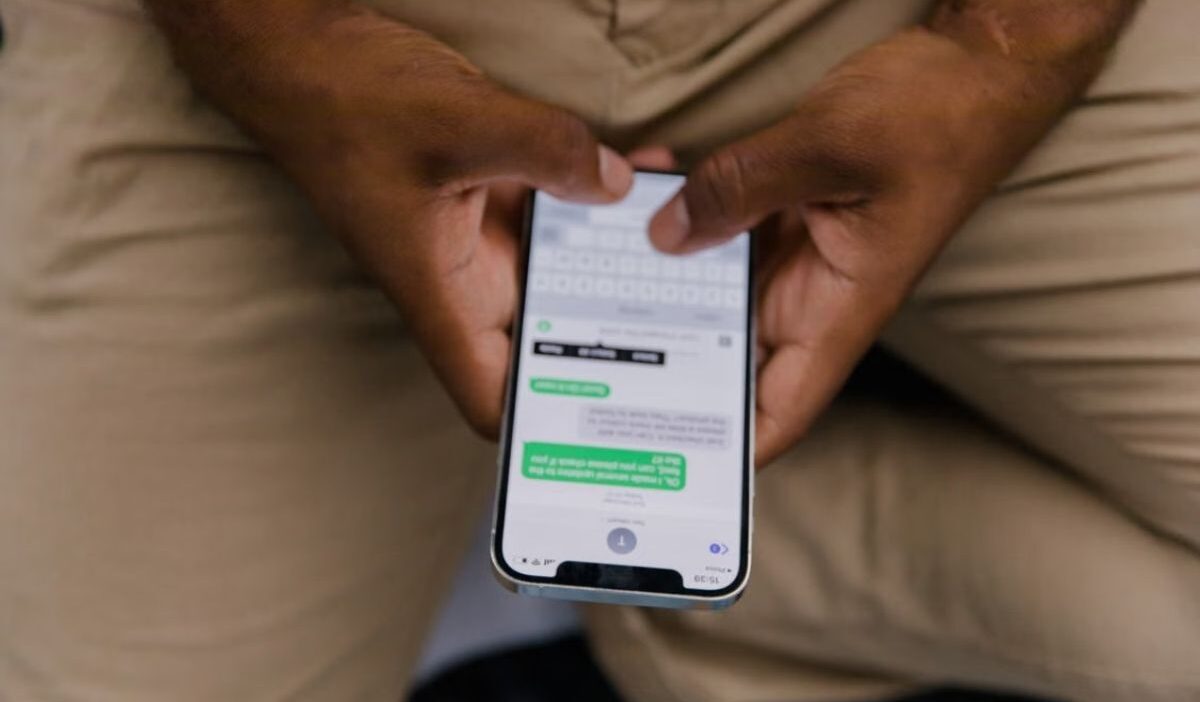
If you need to know how to leave a group chat on iPhone, this article covers the steps to exit a group conversation in Messages and what to do when the option is unavailable.
1. Can You Leave Any Group Chat on iPhone?
You cannot leave every group chat on an iPhone. The conversation must have at least three other participants, and everyone must have an Apple device with iMessage enabled.
A group chat must have at least four active members for Apple to allow an exit. If you are searching how to leave a group chat on iPhone with 3 people, you will notice the leave button is completely missing, meaning you will either need to add another person first or simply mute the thread.
The message type also matters when you check how to leave a group chat on an iPhone: group iMessage conversations support leaving, while group MMS conversations support muting notifications instead
You can also check the bubble color in the conversation. Blue bubbles indicate a group iMessage, while green bubbles indicate SMS, MMS, or RCS.
If the group uses green-bubble messaging, the Leave This Conversation option may not be available.
2. How to Leave a Group Chat on iPhone?
If you search for how to permanently leave a group chat on iPhone, these are the steps that remove you from an eligible group conversation.
- Open the Messages app on your iPhone.
- Tap the group chat that you want to leave.
- Tap the group icons at the top of the conversation.
- Scroll down to the bottom of the group details.
- Tap Leave This Conversation.
- Tap Leave Conversation again to confirm.
For an older iPhone with iOS 14 or earlier, tap the Info button after you select the group icon. Then tap Leave This Conversation.
On some current iOS versions, the group details may also show “Delete and Block This Conversation.”
This is a separate option from simply leaving the group and should not be treated as the standard Leave This Conversation step.
>>> Read more: How to Delete Contacts on iPhone: Quick & Easy Methods
3. What Happens After You Leave a Group Chat?
Once you confirm Leave This Conversation, you are no longer part of the group conversation and will not receive new messages from that group.
The other members remain in the conversation, and your departure appears in the conversation transcript.
| After you leave | What happens |
| Your participation | You leave the group conversation, so new messages sent to that group are no longer delivered to you. |
| Other members | The existing group remains available to the people who are still in it, and they can continue the conversation without you. |
| Previous messages | Your departure does not delete the conversation from the other members’ devices. |
| Shared project | You may still have access to a project shared through the conversation, depending on the app that hosts it. |
Leaving the conversation affects your participation in Messages, not the other members’ access to their existing conversation history.
Any files, notes, or other content shared through a separate app can also follow that app’s own access rules after you leave the group.
4. Why Is the Option to Leave a Group Chat Unavailable or Grayed Out?
The Leave This Conversation option is unavailable when a group has fewer than three other participants or uses SMS, MMS, or RCS instead of iMessage because not everyone has an Apple device with iMessage.
When you cannot leave the group, you can use Hide Alerts instead. Open the conversation, tap the group icons at the top, scroll down, and turn on Hide Alerts. This keeps you in the conversation while stopping notifications from that specific group.
>>> Read more: How to Call Private on iPhone: Your 2026 Complete Guide
5. FAQs
Here are quick answers about how to leave a group chat on iPhone, group limits, and rejoining.
How to leave a 3 person group chat on iphone?
If three people means three participants in total, you cannot leave the group through Messages. Apple requires at least three other participants for the Leave This Conversation option.
Can I Remove Myself From a Group Chat on iPhone?
Yes, when the group meets the requirements for Leave This Conversation. Select the group in Messages, open the group details, and choose the leave option.
Can I Rejoin a Group Chat After Leaving?
You cannot use the Leave This Conversation option to rejoin the group yourself. Another participant may be able to add you back if the group meets Apple’s requirements for adding people.
6. Conclusion
With how to leave a group chat on iPhone, the key is to check whether the conversation supports the Leave This Conversation option, then follow the Messages steps. When that option is unavailable, Hide Alerts keeps the conversation in place without its notifications.
For more practical iPhone tips and settings, OptNYC has additional guides to help you manage everyday Messages features.