
Learning how to clean iPhone speaker openings correctly can restore clearer calls, music, videos, and notification sounds. However, an incorrect cleaning method can push debris deeper or damage a delicate component.
This guide explains safe techniques, suitable tools, common mistakes, and practical troubleshooting steps for a muffled iPhone speaker.
1. What Is Blocking Your iPhone Speaker?
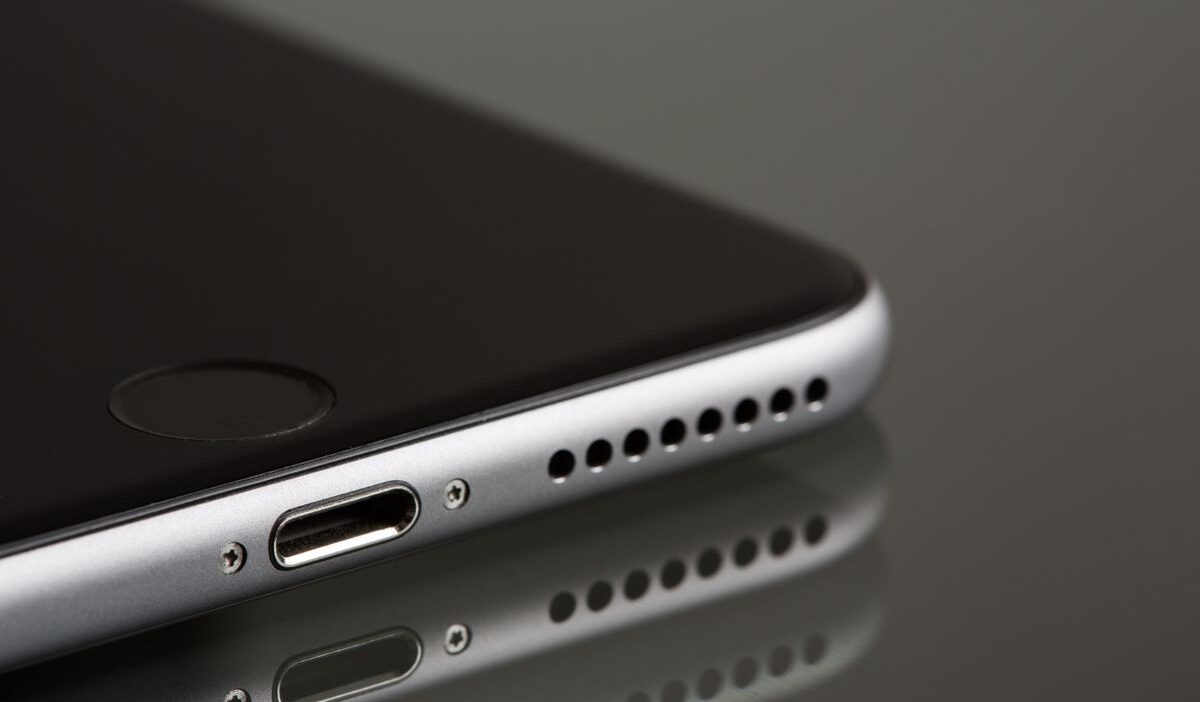
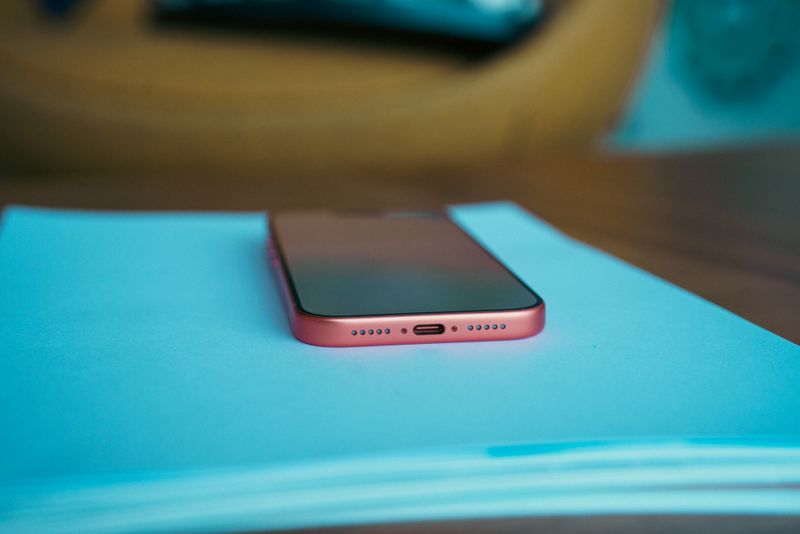
Your iPhone contains a receiver opening near the top of its screen and speaker openings along its bottom edge. Depending on the model, some bottom holes contain microphones rather than speakers.
Several materials can obstruct these openings:
- Pocket lint can collect inside the bottom grilles.
- Dust can form a thin layer across the speaker mesh.
- Makeup can cover the receiver during phone calls.
- Skin oils can trap additional dirt around the openings.
- A case or screen protector can partially block the receiver.
- Moisture can temporarily reduce the speaker’s sound quality.
2. Quick Inspection Steps Before Cleaning
You should inspect the device before you learn how to clean iPhone speaker grilles. A simple check can reveal whether dirt, an accessory, or an audio setting causes the problem.
Follow these preliminary steps:
- Remove the case and any removable screen protector.
- Disconnect every cable and accessory.
- Examine the top and bottom openings under a bright light.
- Play a familiar song or ringtone through the built-in speakers.
- Adjust the volume and listen for distortion.
- Compare the earpiece during a call with the bottom speaker during media playback.
3. How to Clean iPhone Speaker Safely
Apple recommends a small, clean, dry, soft-bristled brush for a dirty speaker or receiver opening. Apple also advises users to turn off the device, disconnect cables, and prevent moisture from entering its openings.
Step 1: Prepare the iPhone
You should disconnect the charging cable, wired accessories, and adapters. Next, you should turn off the iPhone to prevent accidental input while you clean it.
You should remove the case because its edges can conceal additional dirt. You should also place the device on a clean, stable, well-lit surface.
Step 2: Wipe the Exterior
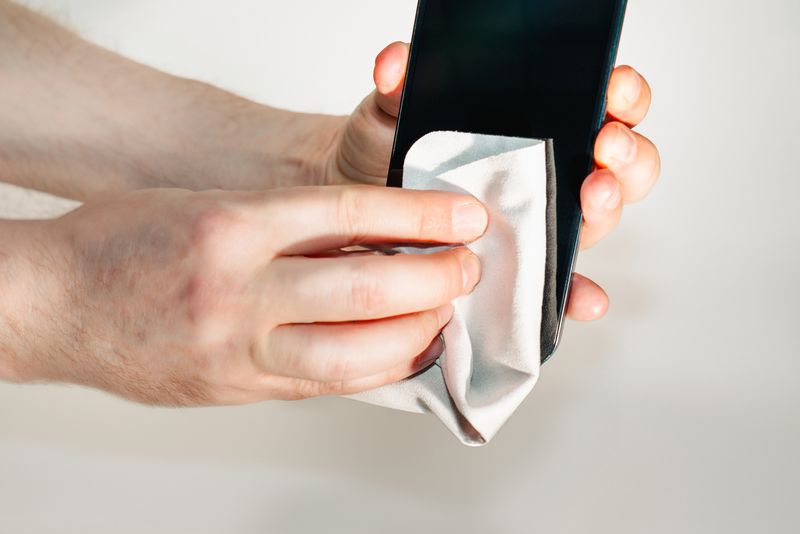
You should wipe the phone with a soft, lint-free cloth. A lens cloth or clean microfiber cloth can remove loose dust and oils from the exterior.
Apple permits a slightly damp lint-free cloth for exterior cleaning, but you must keep moisture away from every opening. A dry cloth provides the safer choice around the speaker grille.
Step 3: Brush the Openings Gently
The safest approach for how to clean iPhone speaker holes involves a small, dry, soft-bristled brush.
You should hold the phone so loosened particles can fall away instead of entering the grille. These are the steps:
- Hold the speaker opening at a slight downward angle.
- Move the brush lightly across the surface of the grille.
- Brush from different directions without applying pressure.
- Wipe away loosened particles with a dry lint-free cloth.
- Inspect the opening and repeat the light strokes if necessary.
>>> Also read: How to Send a Voice Message on iPhone: Quick Ways to Share Audio
4. Which Cleaning Tools Are Safe for iPhone Speakers?
The right tools provide light contact without introducing pressure, moisture, or abrasive material.
You should choose each tool carefully because speaker grilles contain delicate mesh. Generally safe options include:
- A small brush with clean, dry, soft bristles
- A soft, dry, lint-free or microfiber cloth
- A bright lamp for inspecting the openings
- A nonmetallic stand that holds the phone securely
Apple’s official instructions for troubleshooting distorted iPhone speaker sound recommend a clean, dry, soft-bristled brush for the speaker or receiver opening.
5. What Not to Use on Your iPhone Speaker
Certain methods can damage the finish, protective mesh, water-resistant seals, or internal components.
Apple specifically warns users against compressed air and moisture inside openings. You should avoid these items:
- Compressed-air cans or powered air blowers
- Needles, pins, paper clips, or SIM-eject tools
- Toothpicks or other rigid pointed objects
- Wet cotton swabs or soaked cloths
- Household cleaners and window cleaners
- Bleach, hydrogen peroxide, or abrasive products
- Aerosol sprays, solvents, and ammonia
- High-pressure vacuum cleaners
- Sticky putty that can leave residue
- Hair dryers, heaters, or direct sunlight
6. What to Do If Your iPhone Speaker Is Still Muffled
How to clean iPhone speaker if cleaning cannot resolve every sound problem? Try testing several settings and software features before you arrange a repair.
Check the Audio Controls
Open Settings > Sounds & Haptics and move the Ringtone and Alerts slider. The test should produce a clear sound from the speaker.
You should also check Silent mode, the volume buttons, and the active app’s volume control. These settings can create an apparent speaker problem.
Disconnect Audio Accessories
Your iPhone may send sound to AirPods, a vehicle, or another Bluetooth device. You should open Control Center and confirm that the iPhone serves as the current audio destination.
You should also remove wired accessories and inspect the charging port. A connection problem can affect audio routing on some devices.
Restart and Update the iPhone
A restart can resolve a temporary software conflict. An iOS update can also correct audio bugs and improve device stability.
Open Settings > General > Software Update to check for an available update. You should create a backup before installing significant system changes.
Consider Recent Moisture Exposure
Water inside the speaker area can cause temporary crackling or low volume. You should place the iPhone in a dry location with airflow and allow the device to dry naturally.
You should also avoid heat and compressed air because those methods can cause additional damage.
Arrange Professional Service
The speaker may require professional inspection if it produces no sound, severe distortion, or recurring crackling. A repair technician can check the speaker module, connections, and possible liquid damage.
7. FAQs
Can vibration help remove dust from iPhone speakers?
Vibration may shift tiny droplets, but it won’t remove dust or lint. It’s not a recommended cleaning method. Use a dry, soft brush instead.
How often should I clean my iPhone speaker?
Check every few weeks and clean only when needed. More frequent cleaning is only necessary in dusty environments or heavy daily use. A case can help reduce buildup.
Can I use a toothbrush to clean my iPhone speaker?
An unused, extra-soft toothbrush can work, but it’s not ideal. A small, dry, soft-bristled brush is safer and gives better control. Avoid any moisture or pressure.
8. Conclusion
In most cases, the best answer for how to clean iPhone speaker openings is light brushing with dry tools and simple testing.
Avoid liquids, sharp tools, sticky materials, heat, and compressed air. If cleaning doesn’t help, check your case, Bluetooth output, sound settings, software updates, and any moisture exposure.