
When calls, messages, or FaceTime attempts do not reach someone, you may wonder how to tell if someone blocked your number on iPhone.
The iPhone does not provide a direct notification when a number is blocked, so you need to look at several signs together.
This guide explains the common indicators, possible reasons behind them, and how to check the situation more accurately.
1. Can You Tell If Someone Blocked Your Number on iPhone?
There is no official alert that confirms or shows that your number has been blocked on an iPhone.
Apple keeps this information private, so users can only look for possible signs through calls, messages, and FaceTime behavior.
2. How to Tell If Someone Blocked Your Number on iPhone: Common Signs
Several iPhone features may show changes when someone blocks your number. The signs below can help you understand what may be happening.
Your Calls Go Straight to Voicemail
One common sign is when your calls go directly to voicemail after a short ring or without ringing at all.
This may happen when your number has been blocked because blocked calls are not delivered to the recipient in the usual way.
However, this behavior can also appear when the person’s phone is turned off, has no service, or uses settings that silence incoming calls. A single voicemail redirect does not confirm that your number is blocked.
Your iMessages Never Show “Delivered”
iMessage status can provide another clue when you check communication with another iPhone user.
Normally, a successful iMessage delivery shows a “Delivered” label below the message.
If your messages stay without a delivery status or appear differently than usual, it may suggest that your number has been blocked.
However, the same result can happen because of internet connection issues, iMessage being disabled, or the recipient’s device being unavailable.
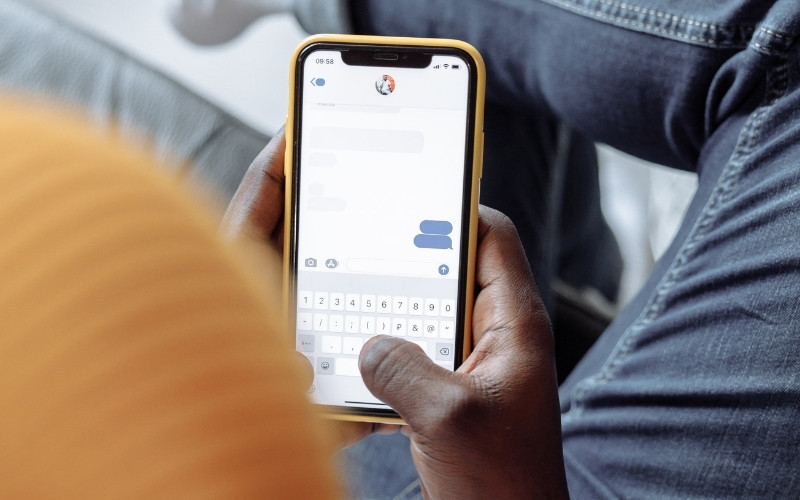
FaceTime Calls Don’t Connect
When a FaceTime call repeatedly fails to connect or does not reach the other person, blocking may be one possible explanation.
At the same time, FaceTime depends on internet access and Apple account settings. A failed call may also occur because of connection problems, device changes, or unavailable service.
For this reason, FaceTime alone cannot confirm that someone blocked your number.
Calling From Another Number Reaches Them
Trying to call from another phone number can provide additional context. If a call from a different number reaches the person normally while your own calls do not, your number may be blocked.
3. What Can Be Mistaken for Being Blocked on iPhone?
Some iPhone settings and conditions can look like a block, even when the number is not blocked.
- Focus Mode or Do Not Disturb: These settings can silence calls and alerts.
- Phone turned off or low battery: Calls may go straight to voicemail.
- No cellular service: Weak signals can stop calls and messages from connecting.
- Airplane Mode: Wireless features stop working until it is turned off.
- iMessage or SMS issues: Message status may not appear as expected.
4. How to Verify If It’s a Block or a Coincidence
You can compare a few signs to understand whether the issue is likely a block or another iPhone setting.
No single test is conclusive, but matching signs can help. Consider these checks:
- Check multiple communication methods: Test calls, iMessage, and FaceTime.
- Look for repeated patterns: One failed attempt may be random, but repeated issues are more telling.
- Compare with another number: If another number works and yours does not, your number may be treated differently.
- Consider timing and circumstances: Poor signal, travel, or device changes can also affect communication.
Looking at several signs together gives a clearer picture of whether someone may have blocked your number on iPhone.
>>> Read more: How to Reset Network Settings on iPhone? The Quick Fix for Wi-Fi and Cellular Problems
5. FAQs About How to Tell If Someone Blocked Your Number on iPhone
These common questions explain the main signs people check when they think their number may be blocked.
Does 67 Work If You’re Blocked?
No. *67 only hides your caller ID if the carrier supports it, and it does not bypass a block.
Can You Test Whether Someone Blocked Your Number?
No. iPhone does not give a direct block check, so you can only look at call, iMessage, and FaceTime behavior. However, signs from calls, iMessage, and FaceTime are only reference points, not definitive proof.
Will the Other Person Know If You Try to Call or Text After Being Blocked?
No. They usually will not get a normal notification, and your attempt may only appear in your carrier records.
Can a Blocked Number Still Leave a Voicemail on iPhone?
Yes. Some carriers still allow voicemail from blocked numbers, but it may go to a separate or filtered folder.
6. Conclusion
Knowing how to tell if someone blocked your number on iPhone requires looking at several signs instead of relying on one clue.
Calls, iMessage, and FaceTime behavior can provide useful information, but other iPhone settings may create similar results.
OptNYC provides clear tech guides and insights to help readers make informed decisions.